AI automation · Claude Projects · AI agents
AI automation services that save time and bring in more leads
Most small businesses lose hours every week to reports, research, content and follow-up. I'm Afshan Tahir, an AI SEO consultant who builds practical AI workflows with Claude, the same workflows I use in my own SEO business. I set up the tools, automate the busywork and train your team, with people in control of every important decision.
 Afshan Tahir
AI automation
Tools I work with
Why AI automation
Your team is busy. Not all of it is valuable work.
Repetitive tasks eat the week
Pulling reports, formatting data and writing the same updates again and again takes hours that could go to clients.
Reports and updates are drafted automatically from your data. You check them and send.
AI tools without a system
Many teams try AI but get inconsistent results because there are no shared instructions, business knowledge or review steps.
One shared Claude Project holds your instructions, business knowledge and review steps, so everyone gets consistent results.
Slow follow-up loses leads
When research, replies and reporting pile up, leads wait longer and opportunities slip away.
New enquiries are logged and a reply is drafted straight away, ready for you to approve and send.
How it works
How AI automation works, from input to result
Every workflow follows the same five steps. AI handles the busywork in the middle, and a person approves what matters at the end.
- STEP 1
Business input
A form, an email, a new order or your weekly data.
New enquiry arrives - STEP 2
AI processing
Claude reads it, using your instructions and business knowledge.
Claude Project - STEP 3
Automated actions
It sorts, drafts, checks or summarises, step by step.
Draft + checks - STEP 4
Connected apps
Results go to Google Sheets, your website or your inbox.
Sheets · WordPress · Shopify - STEP 5
Final result
A finished report, reply or update, approved by a person.
You approve · done
What's included
What you get with my AI automation services
Claude Projects and AI workspace setup
Claude Projects set up for your team with clear instructions, your business knowledge and reusable prompts, so everyone gets consistent, on-brand results.
What's included
- Project instructions written for your business
- Your documents and brand guidelines added as knowledge
- Reusable prompts for everyday tasks
Custom AI agents and workflows
Multi-step workflows that research, draft, check and report, built around your real processes and run with Claude agents and scheduled tasks.
What's included
- A map of every step in the workflow
- The agent built and tested on real examples
- A human check before anything goes out
Automated SEO and marketing reports
Weekly or monthly reports from Google Search Console and GA4, written in plain English and delivered on schedule.
What's included
- Search Console and GA4 connected
- A plain-English summary of what changed and why
- Delivered weekly or monthly
AI-assisted audits and monitoring
Regular technical and content checks that flag broken pages, indexing problems and ranking drops before they cost you leads.
What's included
- Scheduled technical and content checks
- Alerts for broken pages, indexing problems and ranking drops
- A prioritised list of fixes
AI content operations
Keyword research, briefs, drafts and updates produced faster with AI, and always edited and fact-checked by a person.
What's included
- Keyword research and content briefs
- First drafts in your tone of voice
- Editing and fact-checking by a person
Lead research and outreach preparation
Lists of potential clients researched from public sources, with personalized outreach drafts ready for you to review and send.
What's included
- A target list in Google Sheets from public sources
- Personalised outreach drafts
- You review and send every message
AI-built websites and landing pages
Fast, conversion-focused pages designed and built with AI-assisted workflows, then deployed and tested on your website.
What's included
- Page design and copy
- Built and deployed on your website
- Speed, mobile and tracking tested
Lead tracking and follow-up
Booking, call and form tracking plus follow-up processes, so you can see where every lead comes from and none slip through.
What's included
- Booking, call, WhatsApp and form tracking in GA4
- A view of where each lead comes from
- A simple follow-up process
AI training and SOPs
Hands-on training, prompt libraries and step-by-step guides, so your team can use AI safely and confidently.
What's included
- Live training for your team
- A prompt library for your tasks
- Step-by-step SOPs
AI agent workflow
What an AI agent does, step by step
An AI agent takes a task, reads the information it needs, uses your connected tools and drafts the result. Nothing important goes out until a person approves it. Pick a workflow to see how it runs.
- Task receivedTriggerEvery Monday at 9:00
- Reads your dataInputsSearch Console + GA4
- Uses toolsConnected appsGoogle Sheets + Claude
- Drafts the resultAI workPlain-English summary
- Human approvalCheckpointYou check the key points
- DeliveredOutputReport sent to your team
What AI should and should not do
Automation where it helps, people where it matters
Good AI automation removes busywork without risking quality. Every workflow I build has clear human checkpoints.
LEVEL 1
Automate
Repetitive, rule-based work
Alerts you if something looks wrongEXAMPLES
Reports, data pulls, monitoring, formatting and scheduled reminders.
HOW IT WORKS
Runs on a schedule with checks built in, and alerts you if something looks wrong.
WHAT I DO
Set it up once, test it thoroughly and hand it over with documentation.
LEVEL 2
Assist
AI drafts, people decide
You approve every draftEXAMPLES
Content briefs, outreach drafts, research summaries and audit findings.
HOW IT WORKS
AI does the first draft, then a person reviews, edits and approves.
WHAT I DO
Build clear review steps so nothing goes out without approval.
LEVEL 3
Human-led
Strategy and relationships
You make the final callEXAMPLES
Pricing, strategy, client conversations and final decisions.
HOW IT WORKS
AI provides research and options, and you stay in control.
WHAT I DO
Give you better information faster, without replacing your judgement.
Who I help
AI automation for small businesses and teams
Practical workflows for teams who want less busywork and faster follow-up, without losing the personal touch.
Marketing and SEO agencies
Automate reporting, audits and content production across client accounts.
Local service businesses
Faster responses to leads, review requests and simple, reliable reporting.
Local SEO →Online stores
Product descriptions, catalog checks, SEO monitoring and sales reports.
E-commerce SEO →Consultants and freelancers
Research, proposals and client updates in a fraction of the time.
B2B service companies
Lead research, outreach preparation and account insights.
Small in-house teams
Claude Projects, prompt libraries and training so the whole team uses AI well.
How we work together
How my AI automation process works
- 01
WEEK 1
Discover
Free call, then a short review of your current processes to find the tasks worth automating.
- 02
WEEKS 1–2
Design
A clear plan for each workflow: what AI does, what people check and what success looks like.
- 03
WEEKS 2–4
Build and test
I set up the workflows, test them on real examples and fix any issues before handover.
- 04
ONGOING
Support
Documentation, training and optional monthly support to keep everything running and improving.
A real example
This website was rebuilt with these workflows
I used the same AI workflows I offer clients to audit, redesign and measure afshanseoexpert.com, with every change reviewed before it went live.
Let's automate your business processes.
Tell me which tasks take up your team's week. On a free call I'll show you what to automate first and what should stay human.
Client video · Jewelry business
"Afshan and her team are absolutely fantastic people… very efficient, very professional and a friendly team. I highly recommend them."
Jewelry business owner · United States
Afshan did a great job optimizing my website by optimizing the SEO. She’s a great communicator, always responded to my questions, concerns and requests in a timely manner.
Second time hired Afshan and she performed extraordinary with my expectations. Did a great job for SEO and delivered on time.
Afshan delivered excellent on-page SEO and keyword research. She identified highly relevant, high-volume keywords for my target audience.
A+ fast, quick turnaround and professional
There wasn’t a single part of this project that we had any issue with. The service provided was a true 5 Star experience.
How pricing works
Three ways to work together. Clear quotes.
Every business is different, so AI automation is priced by scope. You get a fixed quote before any work starts, and it can be combined with my SEO plans from $350 a month.
ONE-TIME
AI setup project
Get your first workflows built, tested and handed over.
- Process review and automation plan
- Claude Projects set up for your team
- 1–3 custom workflows built and tested
- Documentation and handover session
Fixed quote after a free call
Discuss this →ONGOING
Monthly AI operations
Let me run and improve your AI workflows every month.
- Automated SEO and marketing reports
- Website and ranking monitoring
- AI-assisted content and lead research
- Monthly review and improvements
Fixed quote after a free call
Discuss this →PER SESSION
Training and consulting
Help your team use AI confidently and safely.
- Live training for your team
- Prompt libraries for your tasks
- Step-by-step SOPs
- Q&A and follow-up support
Fixed quote after a free call
Discuss this →Guides
Guides to AI automation
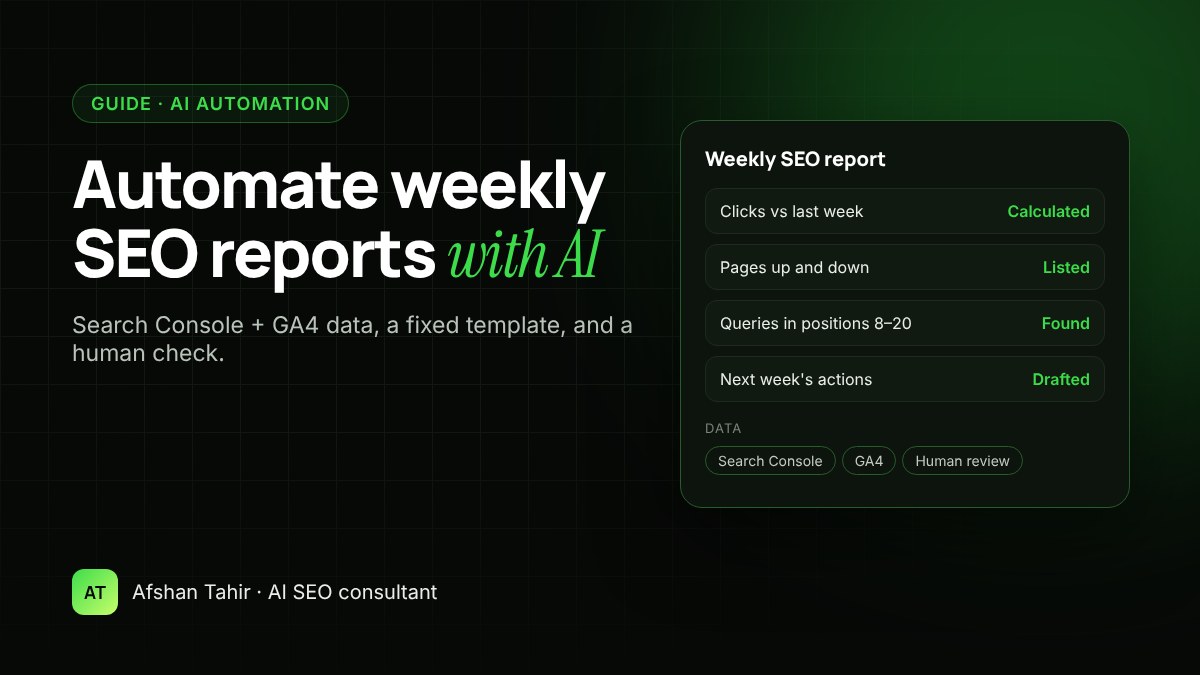 GuideHow to Automate Weekly SEO Reports with AISearch Console + GA4 data, a fixed template, and a human check.Read the article →
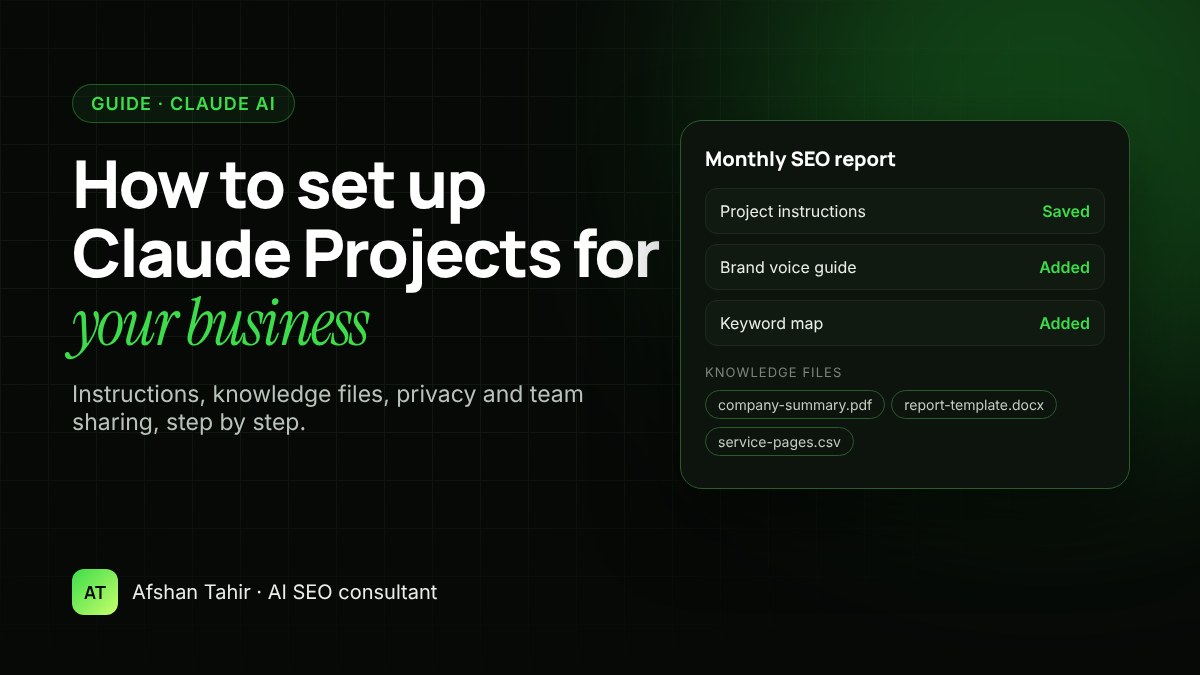 GuideHow to Set Up Claude Projects for Your BusinessInstructions, knowledge files, privacy and team sharing, step by step.Read the article →
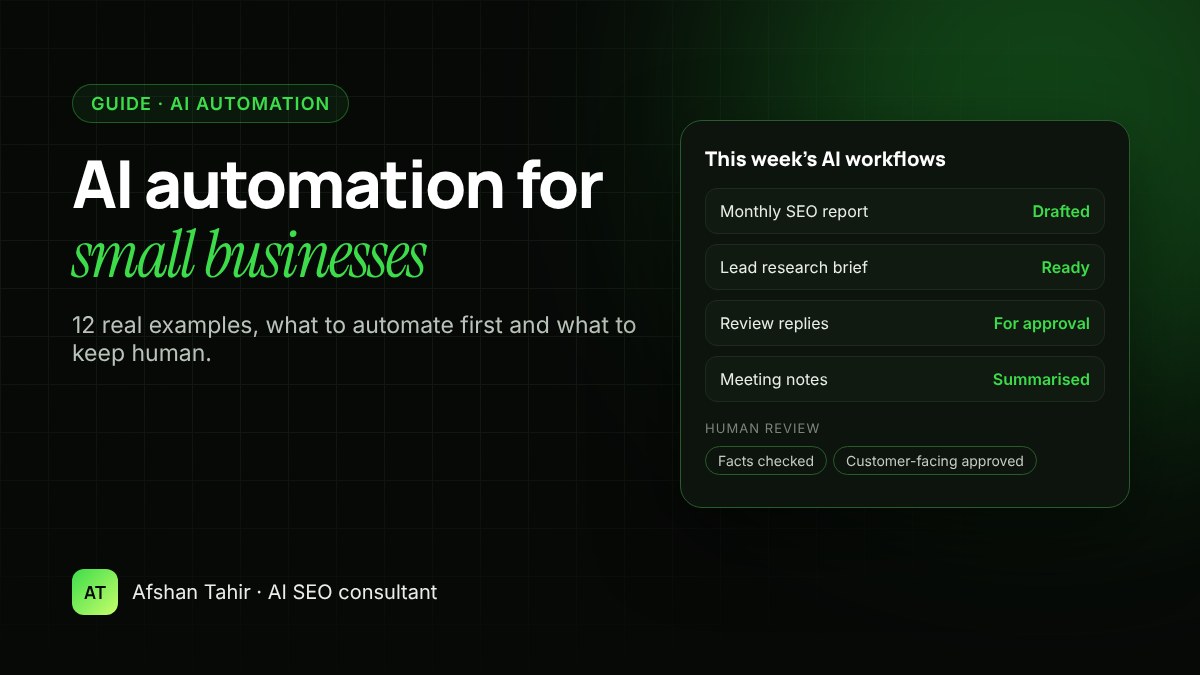 GuideAI Automation for Small Businesses: 12 Real ExamplesWhat to automate first, and what to keep human.Read the article →
FAQ
AI automation questions, answered
Straight answers about AI automation, Claude and pricing.
01What are AI automation services?+
AI automation services use tools like Claude to take repetitive work off your plate, such as reports, research, content drafts and monitoring. I design each workflow, set it up, test it and train your team, with human review wherever quality matters.
02What can you automate for my business?+
Common examples are SEO and marketing reports, website monitoring, content briefs and drafts, lead research, outreach preparation, internal knowledge assistants built with Claude Projects, and training your team to use AI well.
03Do you set up Claude Projects for businesses?+
Yes. I set up Claude Projects with clear instructions, your business knowledge and reusable prompts, then train your team to use them, so results stay consistent and on-brand.
04Will AI replace my team?+
No. The aim is to remove busywork so your team can focus on clients and strategy. Every workflow keeps people in charge of decisions and anything customer-facing.
05Is my business data safe?+
Each workflow only gets the access it needs, follows the data settings of the tools you choose, and keeps sensitive steps under your control. We agree what data is used before anything is set up.
06How much do AI automation services cost?+
It depends on the scope. After a free call you get a fixed quote for a setup project, or a monthly price for ongoing operations. AI automation can be combined with my SEO plans, which start at $350 a month.
07How long does setup take?+
Simple workflows can be ready within one to two weeks. Larger setups with several workflows and team training usually take two to four weeks.
08Do I need technical skills?+
No. I handle the setup and explain everything in plain English. You get documentation and training so you can use and adjust the workflows yourself.
Afshan TahirFree 30-minute AI automation call
Find out what AI can take off your plate.
Book a free 30-minute call. We'll look at how your team works today, and I'll show you two or three tasks worth automating first.
- 1You tell me how your team works today and where time goes.
- 2I point out the two or three tasks worth automating first.
- 3You get a clear next step, and a fixed quote if you'd like my help.
Choose a time for your free call
Can't see the calendar? Open booking page